Instruction Exporter
Copies the instructions of the story, with the scene setting, POV character and present characters, to the clipboard.
How it works
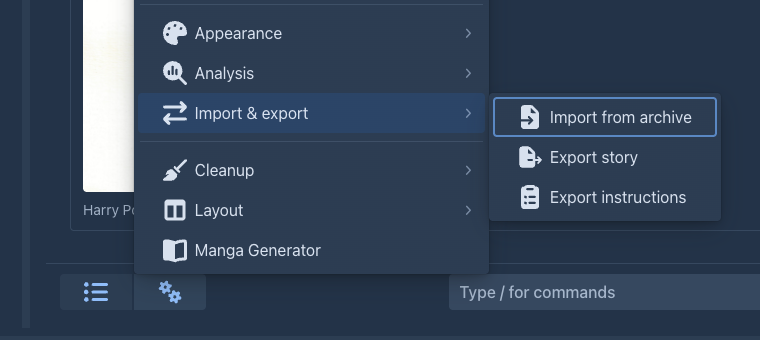
The extension adds Export instructions to the settings menu (⚙) of the story editor. It goes over the parts of the active branch, from the first part to the current end of the story, collects the fields each part was generated from and copies them as one text. Every filled field is written as its name followed by a colon and its contents on the next line; the parts are separated by a blank line, in the order of the story:
Scene Setting:
A harbour town at dawn
POV Character:
Mara
Present Characters:
Mara, the harbourmaster
Instructions:
Mara arrives and is questioned.

Scene Setting:
...
Empty fields are left out, and so are parts with nothing filled in. Paste the text anywhere - to keep the plot outline of the book, to reuse the instructions in another book or to hand them to someone else.
Usage
There is nothing to configure. Open a book and choose Export instructions in the settings menu; a notice confirms that the text is on the clipboard. When the branch has none of these fields filled in, nothing is copied and you are told so.
Only the active branch is exported - to export another one, switch to it first.
Browsers only allow a page to write to the clipboard when it is opened over https:// or on localhost. Over plain
http:// on another address the item has no effect.