Image Generator
Makes an image for a part of the story. The model writes the image prompt from the part, you edit it, an image backend draws the picture, you reroll until it fits and accept it - it becomes an image of the part, like one you add by hand with Images in the part menu (it is shown in the story, and in the exports).
The extension does not make images itself: it talks to a ComfyUI server or to a server with the OpenAI images API (also spoken by stable-diffusion.cpp, LiteLLM and many hosted services).
Adding a backend
Settings → Extension Settings → Image Generator Settings lists the backends. Add one (+), fill it in and save the Settings page.
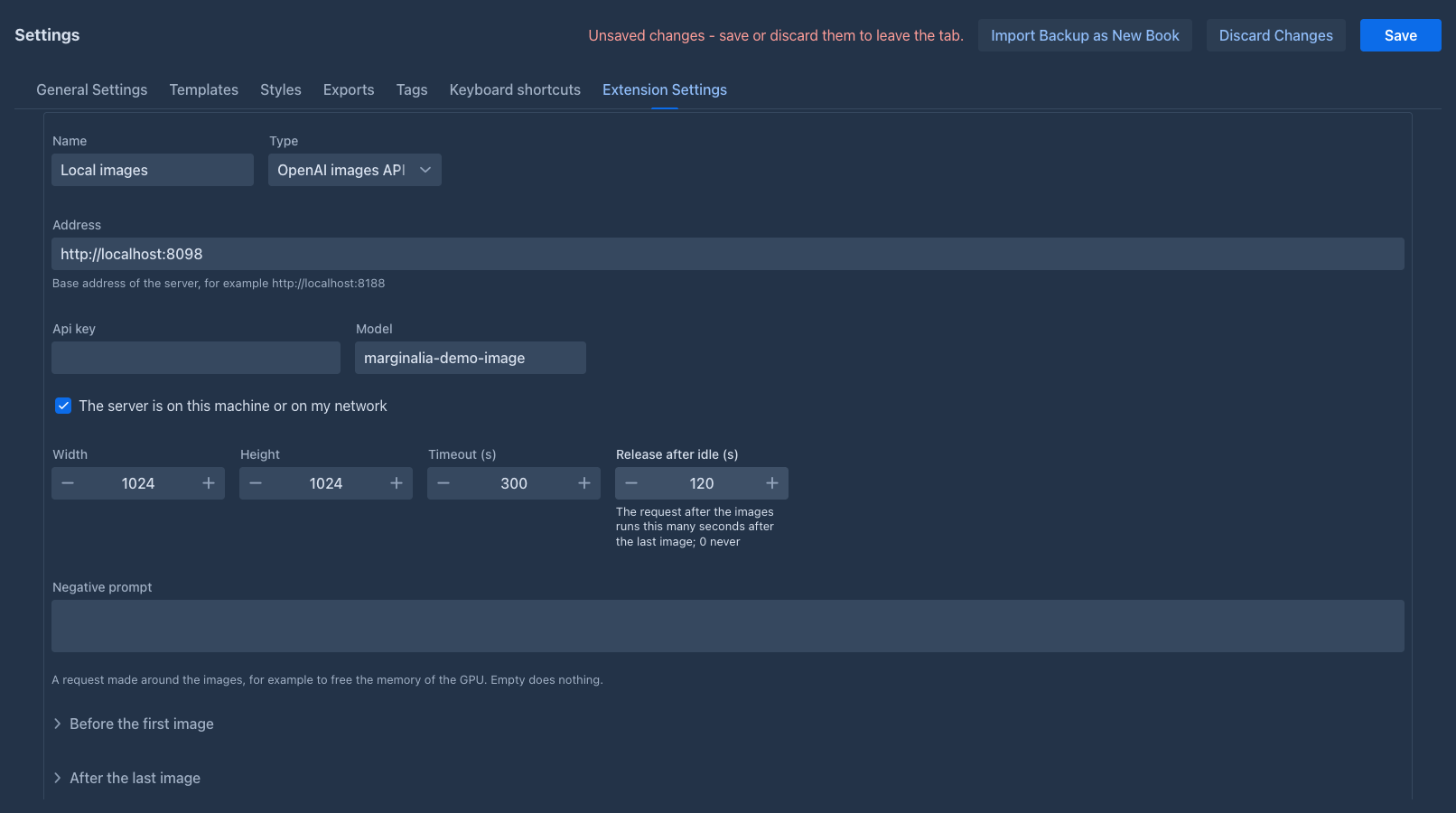
Test connection checks the address and the key.
The panel also has the Style put in front of every prompt (the look of the book, for example watercolor, soft light) and the Instruction for the prompt writer, the text the model is given to write the prompt from a part. Empty or unchanged uses the built-in one.
Making an image
-
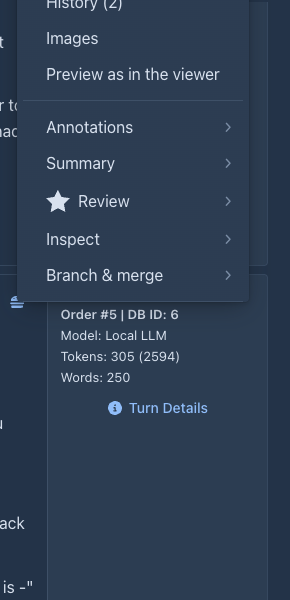
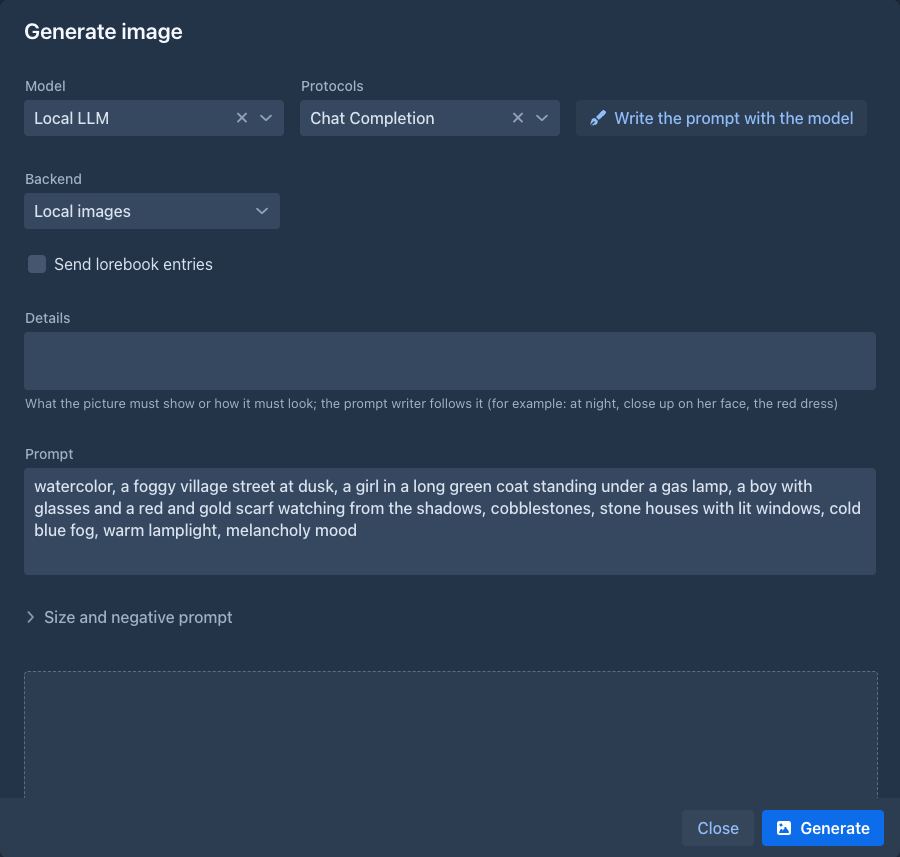
Choose Generate image in the menu of a part. The model of the window (the book's by default, the last choice is remembered) starts writing the prompt of the part; you can stop it with Abort, change the prompt, or press Write the prompt with the model to write it again. Before you write it again you can fill in:
-
Send lorebook entries - the entries of the book's lorebook (and its sub lorebooks) go to the model as in a generation, so it knows how the characters and places look. An entry is sent when its filters are found in the part: its text, instructions, scene setting, point of view and characters present, or in your Details. Entries that are always on come too. Only as many fit as the context of the model allows (a notice tells how many were left out). The choice is remembered.
-
Details - what the picture must show or how it must look (at night, close up on her face, the red dress); the prompt writer follows it. It is for this window only.
-
-
Choose the backend and press Generate. Under Size and negative prompt you can change the size and the negative prompt for this window.
-
The image appears. Reroll makes another one with a new seed, Discard drops it, Accept adds it to the part and closes the window. Abort stops an image that is being made (ComfyUI is told to interrupt the job).
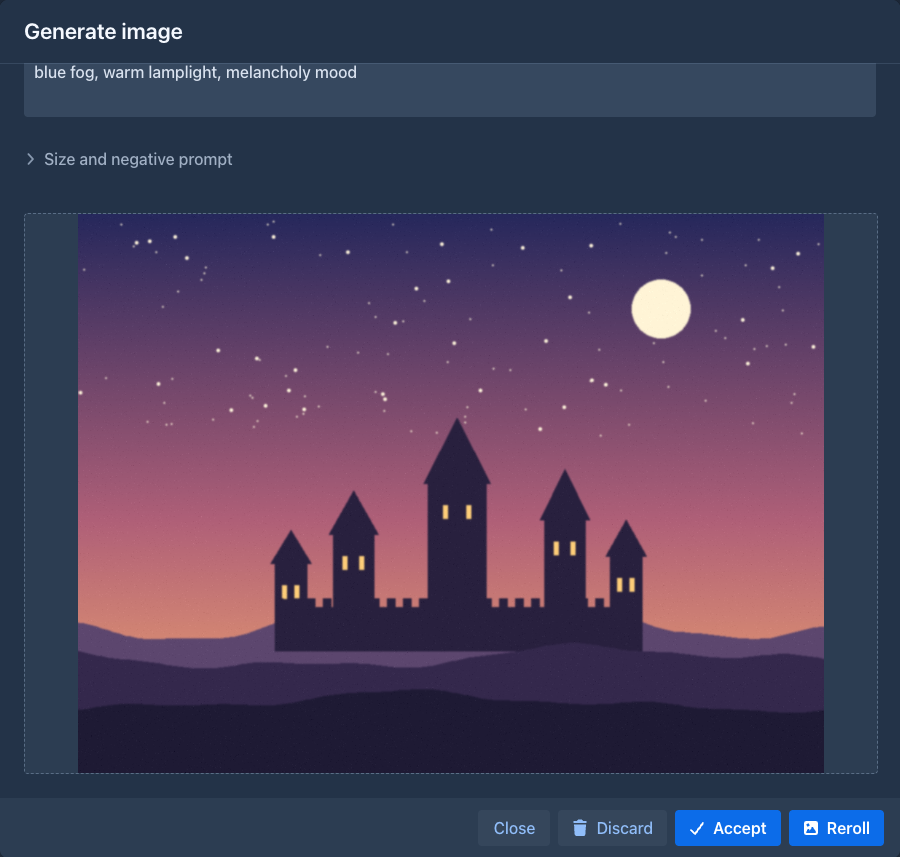
The open part shows the new image under its text at once.
One GPU for the model and the images
With one small GPU, the language model and the image model cannot be loaded together. The extension does not manage the memory; each backend can have two requests that you set up:
-
Before the first image - made once, when the window starts to use the backend. For example a request to your proxy that unloads the language model and loads the image model.
-
After the last image - made when you accept, discard or close the window, or when Release after idle seconds passed since the last image (so a forgotten window does not keep the GPU; 0 turns it off). For ComfyUI this can be
POST <address>/freewith the body{"unload_models": true, "free_memory": true}; for a proxy a request that loads the language model again.
Each request has an address, a method (POST by default), headers (Name: value, one per line) and a body. The backend stays held
while you reroll, so only the first image pays for the swap. If a proxy in front of the models swaps them by the model name, leave
both empty. A request that fails stops the image (before) or shows a warning (after).
What is not done
- Backends are per user, not per book.