Managing extensions
The Extensions tab of the admin page installs and removes extensions for the whole installation.
Installing
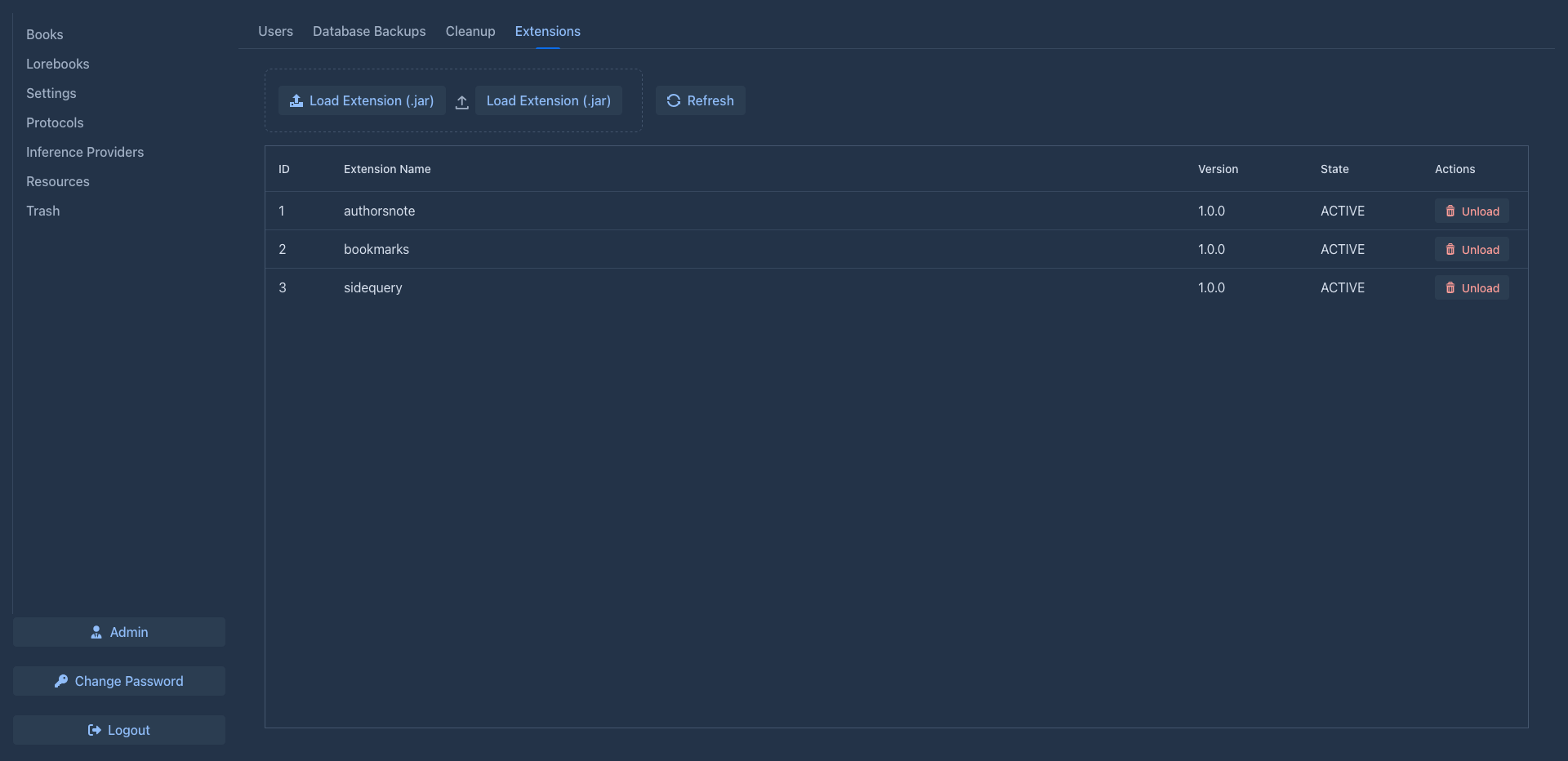
Click Load Extension (.jar) (or drop the file on it) and choose the extension's JAR file. It is copied to the
extensions folder of the data folder and started right away; Extension loaded
successfully. confirms it. The extension appears in the list:
Users see the extension in windows they open from then on - a book that was already open has to be closed and opened again, or the page reloaded.
JAR files can also be copied into the extensions folder directly, for example on a server without access to the
UI; they are loaded on the next start. This is also how the Docker setup can be prepared: put the JARs into
./data/extensions. The JARs can be built in Docker too, see
Plugins in the server guide.
Use extensions built for this version
Extensions change parts of the user interface of one Marginalia version. Use the extensions built from the same source as the application (see the plugins README). An incompatible extension may fail to load or break parts of the application. The extension API is not frozen in 1.0, so expect to update extensions together with Marginalia.
Stopping and starting
Stop unloads the extension immediately without removing it: it disappears from the screens it added to, but its JAR and data stay, and it is listed with the state Stopped. The button then reads Start, which loads it again (it is checked first, like at the start of the application; if the check fails, it stays stopped and the report is shown). A stopped extension stays stopped after Marginalia restarts. Uploading a new version of a stopped extension starts it.
The stop is remembered by an empty file named like the JAR with .STOPPED added (sidequery.jar.STOPPED) in the
extensions folder. On a server without access to the UI, create it to keep an extension from starting, or delete it
to let the extension start on the next start.
The extension log
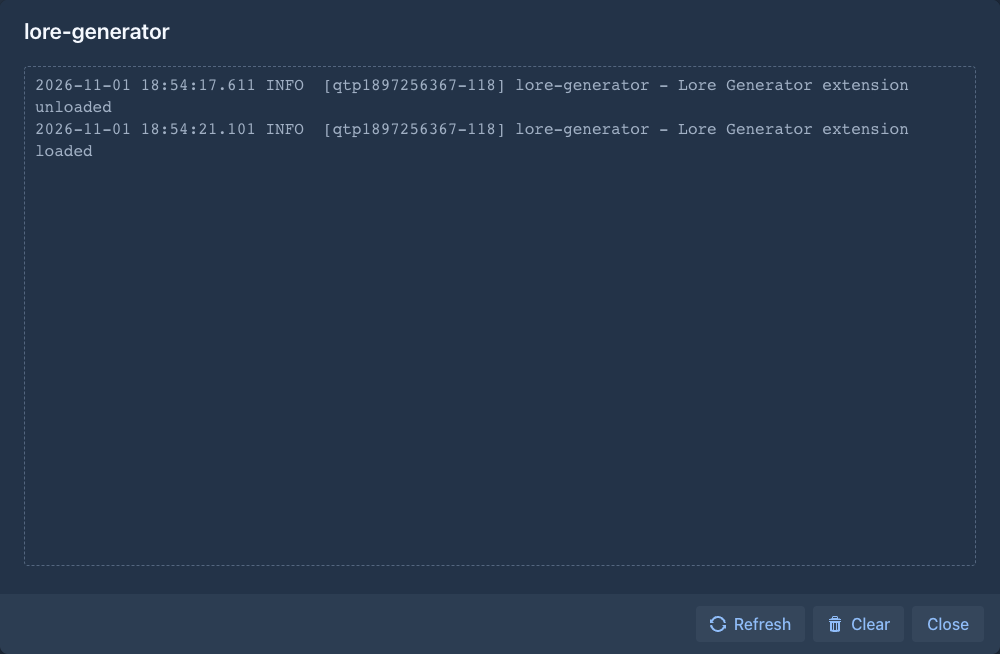
Log opens the log of the extension: what the extension itself wrote with the logger Marginalia gives to extensions
(Logging). It shows the last part of the file, Refresh reads it again
and Clear deletes it. The file is extensions/<name>.jar.log (for example sidequery.jar.log); when it grows over
2 MB it is moved to .log.old and a new one is started. It is deleted when the extension is unloaded. Extensions that
don't log anything have an empty log. What the extension logs also goes to the application log (named extension.<name>, at the level of the line), so it is in the log of the server too; problems of Marginalia itself are only there.
Removing
Unload asks for confirmation, then stops the extension immediately and deletes its JAR (and its log) from the
extensions folder.
Its data stays (see Where extension data is kept); loading it
again brings the data back.
Updating
To install a newer version of an extension, Load Extension (.jar) with the new file - the file name doesn't matter. The installed version is unloaded, its JAR deleted and the new version started in its place. If the new version fails to load, the upload shows the error and the old version keeps running.
When an extension fails
If an uploaded extension can't be loaded, the upload shows Failed to load extension: ... and its JAR is not kept.
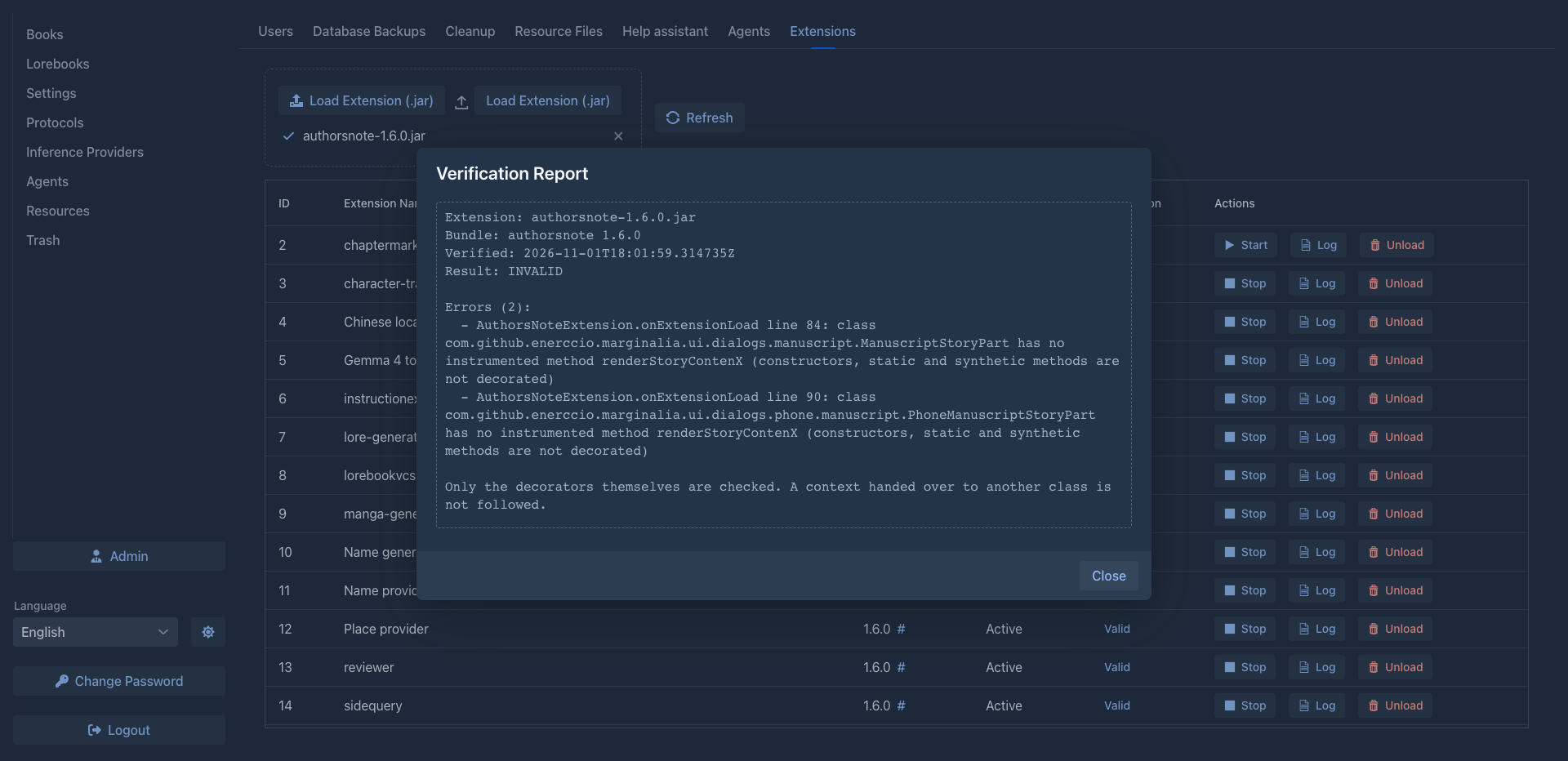
Marginalia checks an extension against the version it is running in before it starts it. An extension that does not
fit - typically one built for another version of Marginalia - is not loaded. An upload shows the report of the check
and is not kept; an extension in the extensions folder stays in the list, not started, with Invalid in the
Verification column, and the report is in the log. The check is repeated after Marginalia is updated, so an
extension that worked before can be refused afterwards: get the version of the extension that was built for the new
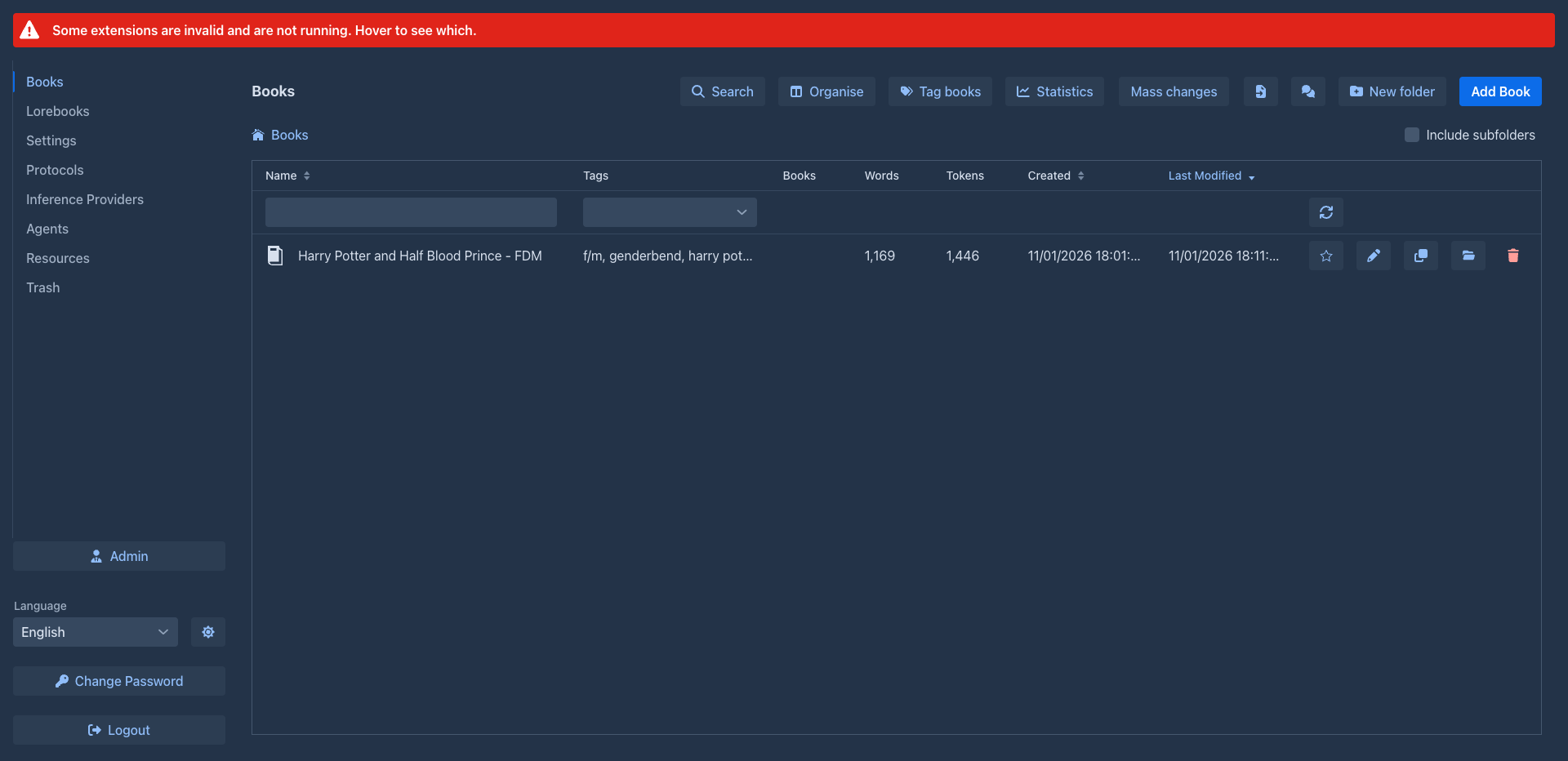
version of Marginalia and load it. While an extension is invalid, a red bar at the top of the workspace tells
everybody: an administrator sees which extensions on hover, other users are asked to tell the administrator (an extension
you stopped yourself is not counted). Next to each extension's JAR you'll find a small .valid or .invalid file with the
report; it is removed with the extension and can be left alone.
An extension in the extensions folder that fails to start (for example one built for another version) doesn't stop
the others from loading. It is listed with the state Installed or Resolved instead of Active and can be removed
with Unload. A file that isn't an extension at all is skipped and not listed - delete it from the extensions
folder. The log (docker compose logs, or desktop/logs/marginalia.log for the desktop app) has the details of the
error.