Chinese localization
Adds Simplified Chinese (中文(简体)) to the languages of the user interface.
Using it
After an administrator loads the extension (Managing extensions), 中文(简体) is in the Language selector at the bottom of the workspace (in the menu on a phone), next to English and Japanese. Pick it and the page reloads in Chinese; the choice is saved in your account, so it is used on every device you log in on. Every user picks their own language.
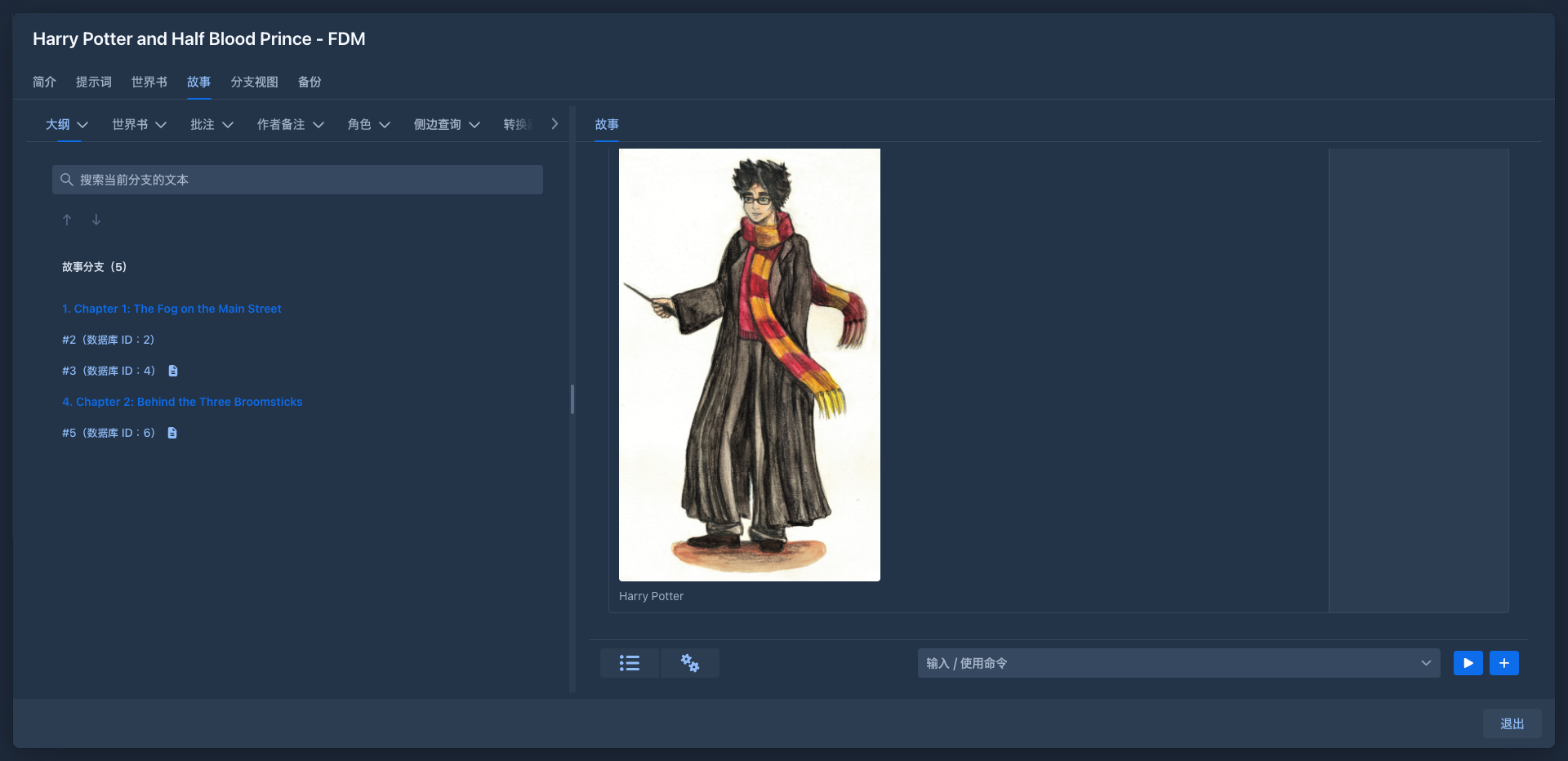
Only the interface is translated: menus, buttons, messages, the descriptions of template variables and macros. Your books, lorebooks and prompts are not changed, and the text sent to the model stays whatever you wrote. A text that has no Chinese translation yet is shown in English.
Removing it
Unloading the extension takes the language away. Users who had chosen it see English until they pick another language; their choice is kept and applies again when the extension is loaded.
For developers
The extension is the example for adding a language: see Example plugin → Chinese localization.