xAI Grok
Adds xAI's Grok models as an inference provider, over xAI's own API.
Grok is also reachable with the normal OpenAI Compatible provider and the URL https://api.x.ai/v1. This extension talks
to the xAI API directly, which gives the reasoning shown as such, the exact token counts xAI reports (the reasoning tokens
included) and counts, and a model list and connection test made for the service.
Your story text goes to xAI
Every request of an AI that uses this provider - the prompt with the story, the lorebook entries and the summaries, the
answers of the model, the pictures an agent or a command sends - is sent to xAI's servers (api.x.ai, or the proxy you set).
xAI's terms and privacy policy for the API decide what happens to it there. The other providers send to the server you chose,
which may be your own. Do not use this provider for text you may not send to xAI. On a server shared with other users, an
administrator who shares an AI of this provider sends the story text of everybody who uses it to xAI.
Installing
Load the extension in Admin → Extensions, as described in Managing extensions. Once it is loaded, the Type list of the inference provider dialog has the entry Extension, and the Provider list at the top of the Per Type Settings tab offers xAI Grok.
Adding a Grok provider
-
Get an API key in the xAI Console.
-
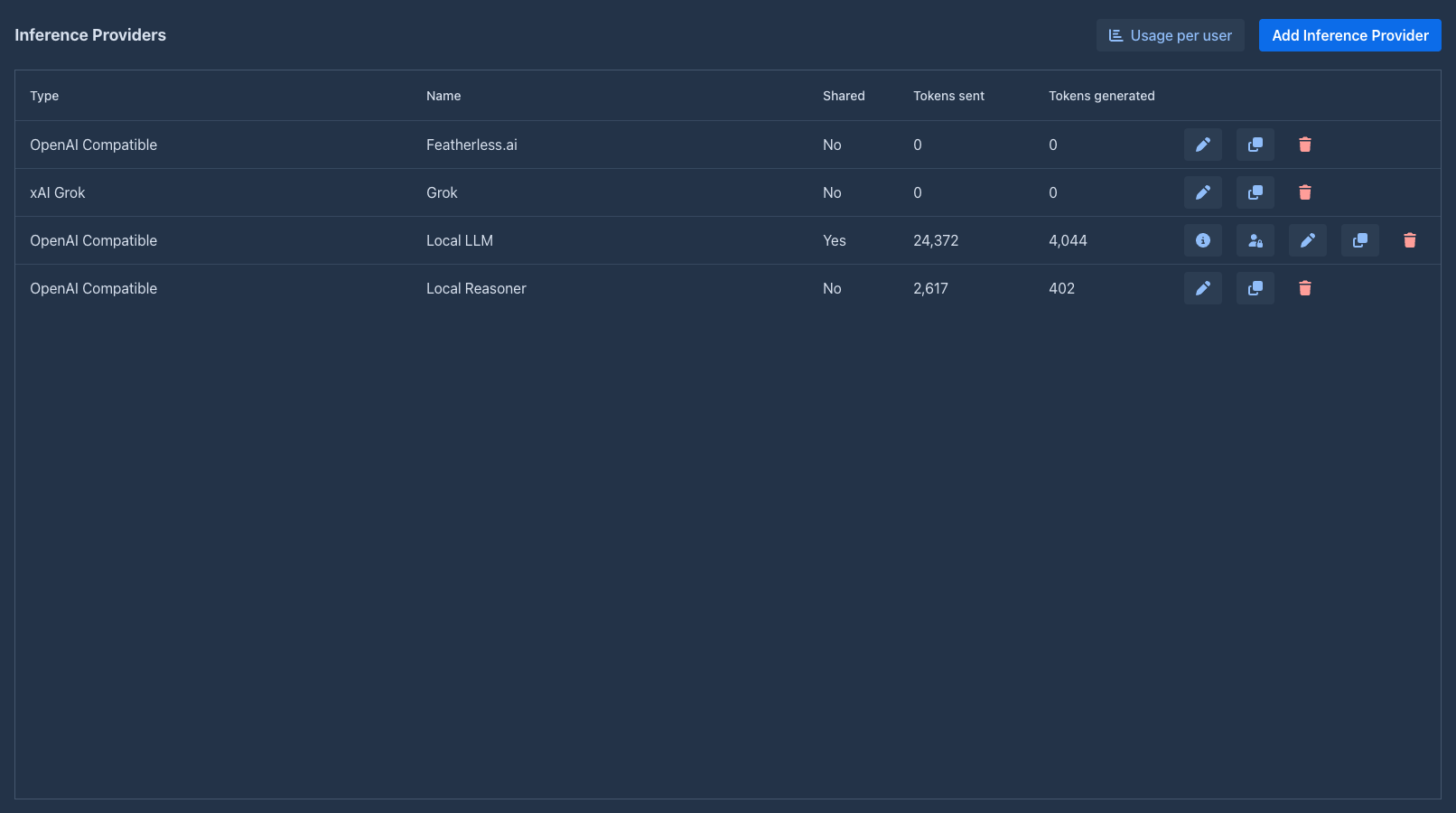
On the Inference Providers tab click Add Inference Provider, enter a Name, choose the type Extension and the provider xAI Grok.
-
Fill in the General Settings (context size, response size,
reasoning ) and the settings of the provider on the Per Type Settings tab, then click Test Connection.
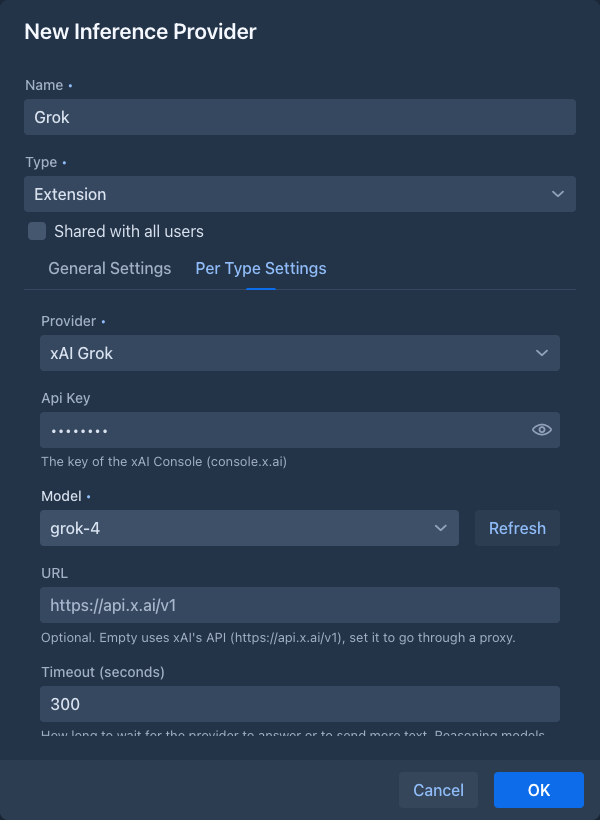
Test Connection lists the models and asks the chosen one for a few tokens, with the values in the dialog (before you save them).
Reasoning
The reasoning settings are those of the general settings of the provider, like for any provider. With reasoning on, the
reasoning a model shows arrives as the reasoning of the story part. The effort is sent only to the models that take it
(grok-3-mini: low, or high for medium and high); the other Grok models think as they do by default and refuse the parameter.
What works
Streaming, stopping, JSON schemas, functions the model can call, pictures (JPEG, PNG) and text files as attachments, the limits of shared AIs and the usage counting work as with the OpenAI-compatible provider. The usage is what xAI reports; the reasoning tokens count as generated ones. The temperature, top p and the penalties of the protocol are sent when enabled; some reasoning models refuse the penalties. Not supported: the server-side tools of xAI (live search, code execution) and image or video generation.