Story Notes
A small wiki for your book, in the sidebar: pages for the plot you are planning, an idea you are not ready to use, the rules of a magic system, what the villain really wants. They are your own thinking, in your own words, with tags and links between the pages. Unlike the Author's Note, which is one text sent with every generation, the notes are not sent to the model on their own. The plot wizard and agents can read them, and change them if you let them.
The Notes tab
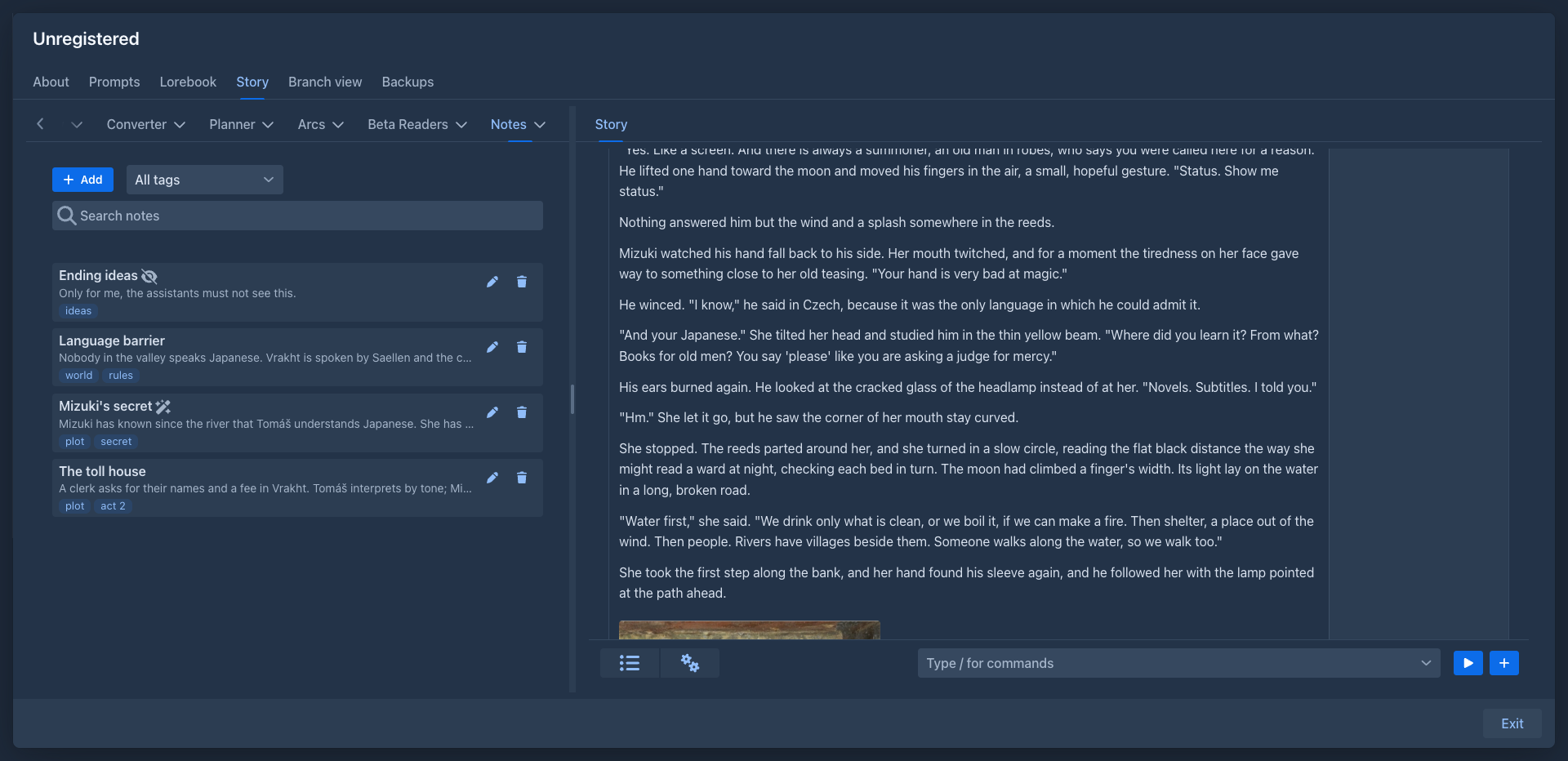
The left sidebar of the story editor gets a Notes tab next to Outline. It lists the pages of the book ordered by title. Above the list are Add (a new page), a filter by tag (shown once a page has a tag) and a search over the titles, the tags and the text of the pages.
Every page shows its title, the first line of its text and its tags. Click the page, or the pen, to open it; the trash can
deletes it after a confirmation. Two small marks can follow the title: a crossed eye (the page is
A page
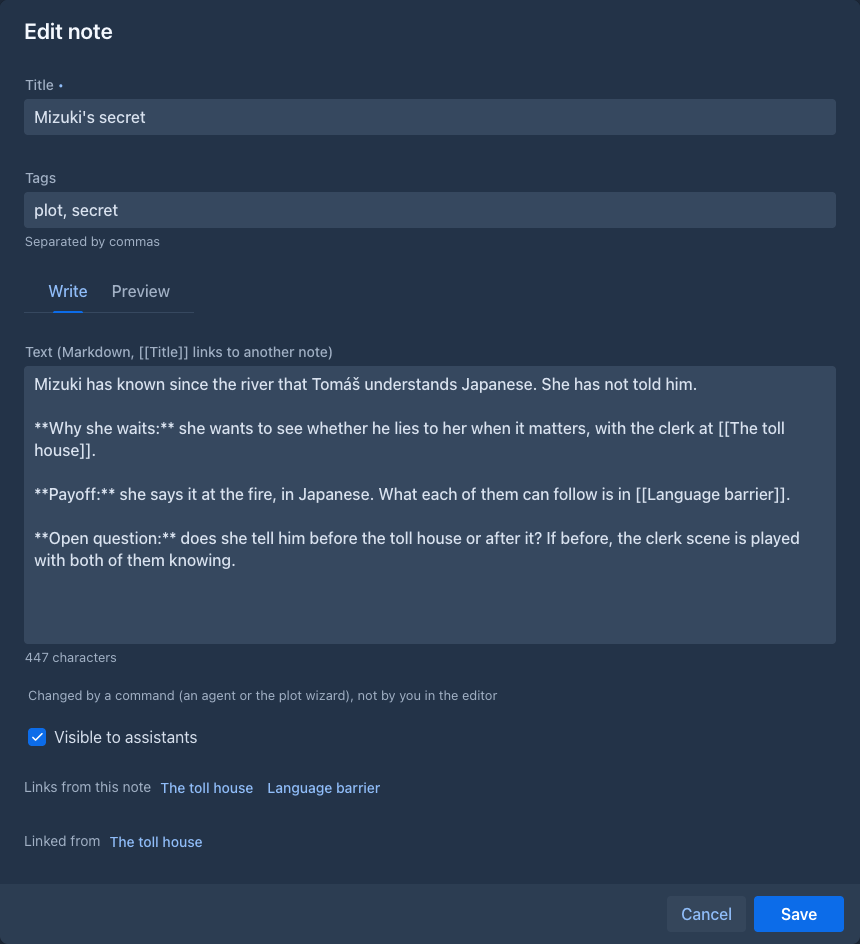
The dialog of a page has:
Under the text the dialog lists the pages the text links to: a link to a page that exists opens it, a link to one that
does not offers Create and starts a new page with that title. Under it are the pages that link here. Renaming a page
changes the [[links]] to it in the other pages (the words a link shows stay).
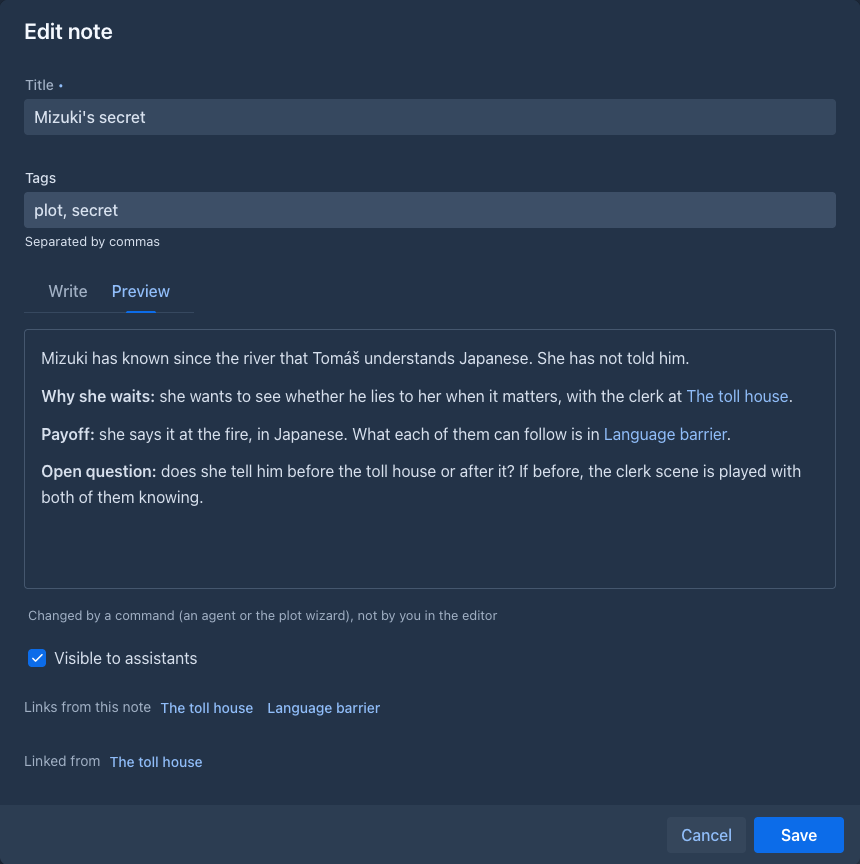
Preview shows the text as Markdown, with every [[link]] as a link: click it to open that page (a link to a page that does not exist starts a new one with that title):
Nothing is saved before Save; closing a changed page asks before it discards the changes. If the page was changed by a command while you were editing it, you are asked before your version overwrites it. Ctrl/Cmd+Enter saves. The pages are stored with the book, so they are in its backups and copies.
What assistants can see
"Assistants" are the commands the notes bring, which agents, macros and the plot wizard use. A page with Visible to assistants switched off does not exist for them: it is not listed, found, read or changed, and a title only it has is refused when they try to create it. Switch it off for what only you should see. Pages you have switched off are still in your backups.
The commands (for the command bar and for agents; the title is the address of a page):
A page a command changed is marked with the wand until you save it yourself.
With the plot wizard
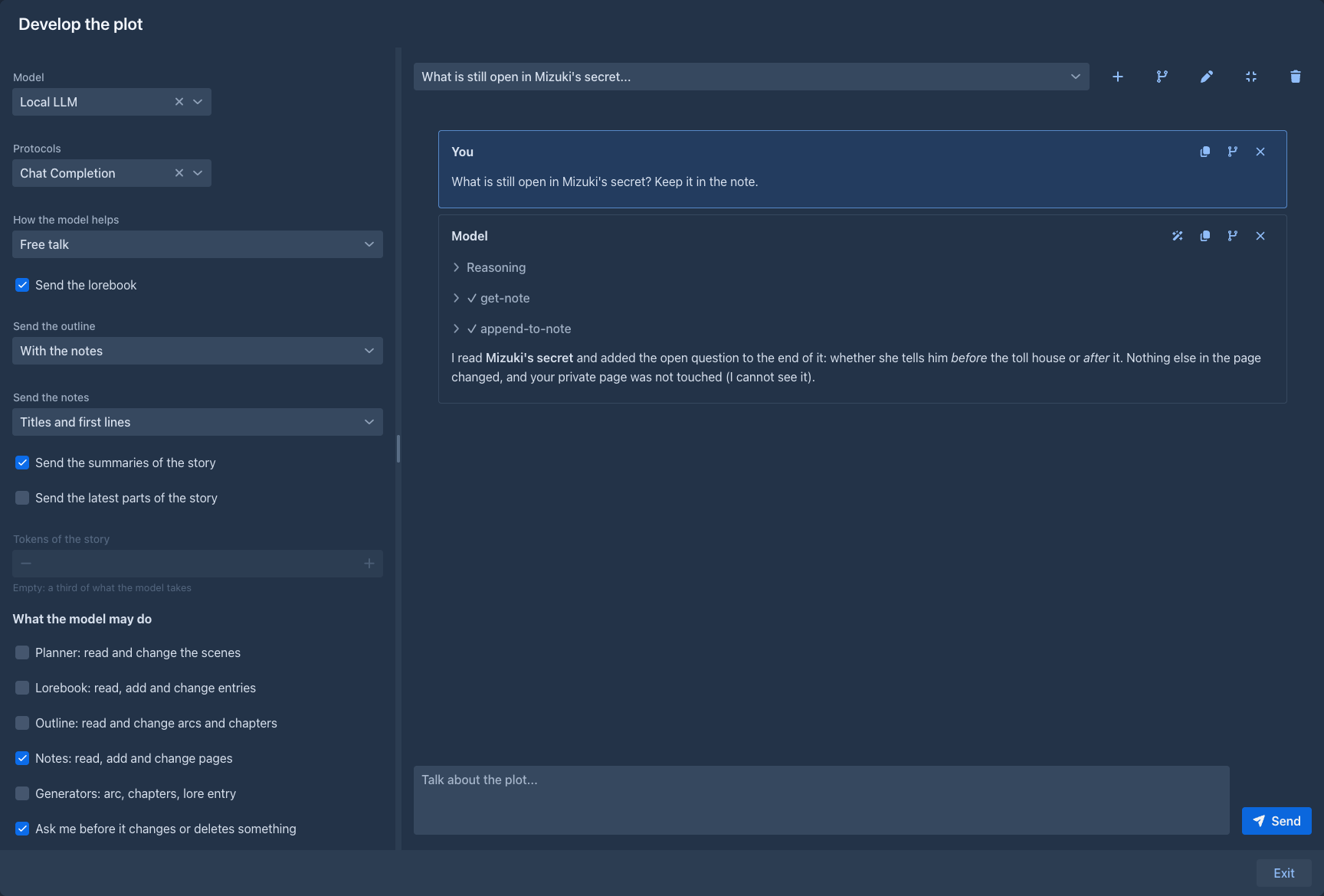
When this extension is installed, the plot wizard of the Arc Outline has a Send the notes option (the titles with their first lines, the full text, or nothing) and a Notes group of tools: the model can search and read the pages, follow their links, add a page or add to one when you ask it to keep something, and change text in one. Changing the text of a page is asked first while Ask me before it changes or deletes something is on; the wizard cannot delete a page. See the option and the group in the table of the wizard.
Other extensions
The extension offers two sources of text to other extensions (the Side Query can attach them from its plug button): Story notes (titles) and Story notes (all). Both leave out the hidden pages.