Books
A book is one story. You give it instructions part by part, the model writes the text, and the book keeps everything that goes with it: the story tree with all its branches, the prompts that shape the style, the lorebook with the world and characters, summaries and backups.
Parts and branches
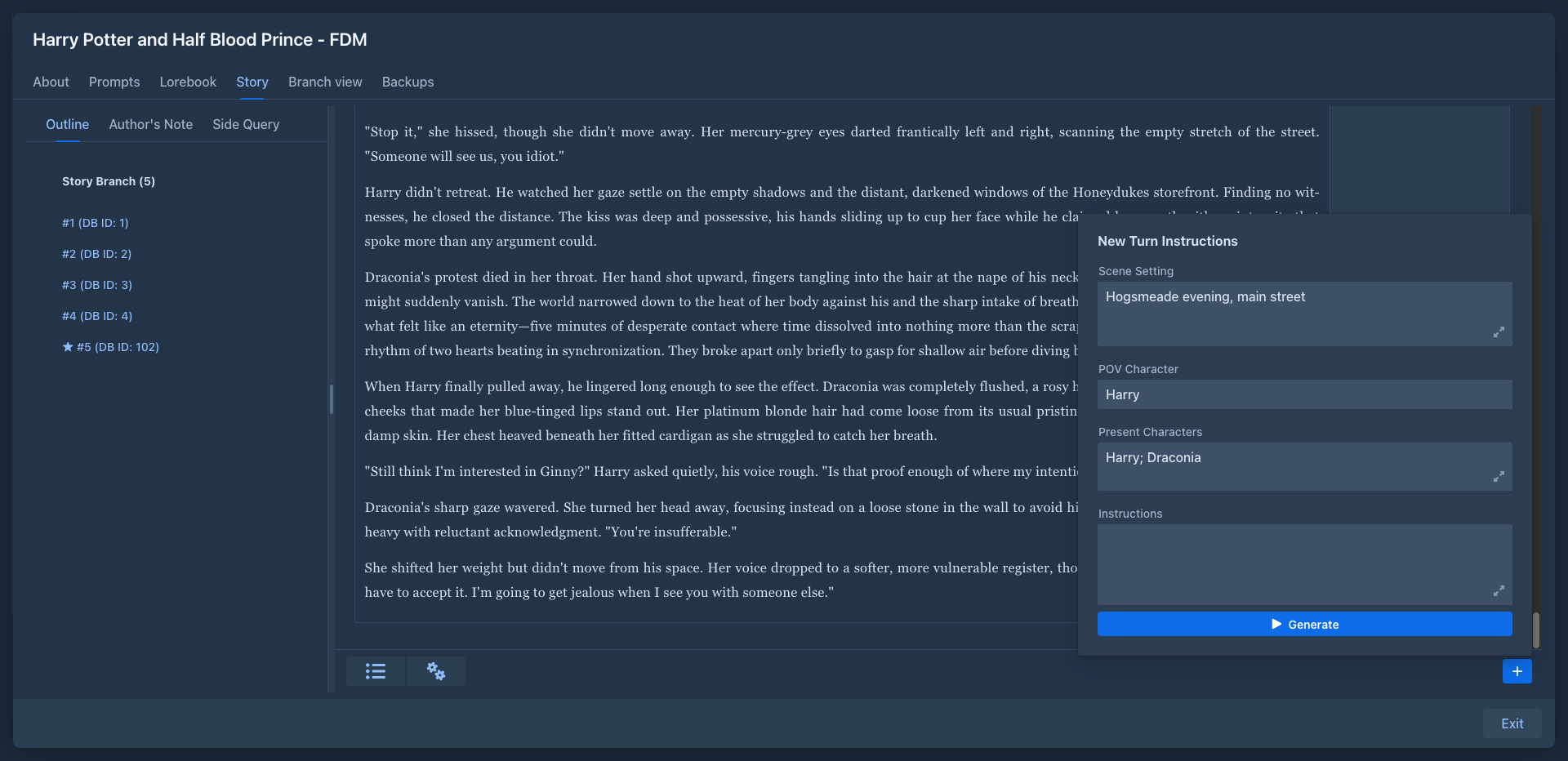
A book is made of parts. Each part is one answer of the model, written from the instructions you gave for it (scene, point of view character, characters present and what should happen).
Parts form a tree. Usually you just continue the story, but you can also write another version of the last part, or go back and continue differently from any earlier part. Each path from the beginning to an end is a branch. The branch you are working on is the active branch; the story editor shows it, and only its parts are sent to the model. See Branches & story tree.
The book window
Opening a book shows its window with these tabs:
What happened to a book day by day (words, time, tokens, size) and the calendar of the days you wrote are in its Statistics window, see Writing statistics.
The story can be taken out of Marginalia as a file from the settings menu of the Story tab, see Exporting a book.
A book without parts opens on About, a book with parts on Story. All changes are saved right away; there is no Save button. Exit closes the book.
While a part is being generated, the other tabs and Exit are disabled until the generation finishes or you stop it.
In this section
- Managing books - the book list, creating, editing and deleting books
- Folders - sorting books into folders, settings the books inherit, moving and copying
- Story editor - writing instructions, generating and editing parts
- Branches & story tree - regenerate, swipe, branch, the tree view
- Version history - the earlier versions of a part: compare, restore, name, search
- Book prompts - templates, point of view, tense and style
- Summaries - keeping long books within the model's context
- Exporting a book - the story as text, Markdown, HTML, Word, PDF or EPUB
- Book backups - backups, restore, copies of a book
- Publishing & viewer - reading view and sharing a book