First start
Create the administrator
When Marginalia starts with an empty database, it asks for the first account instead of showing the login screen. This account is the administrator: it can manage users, database backups, cleanup and extensions.
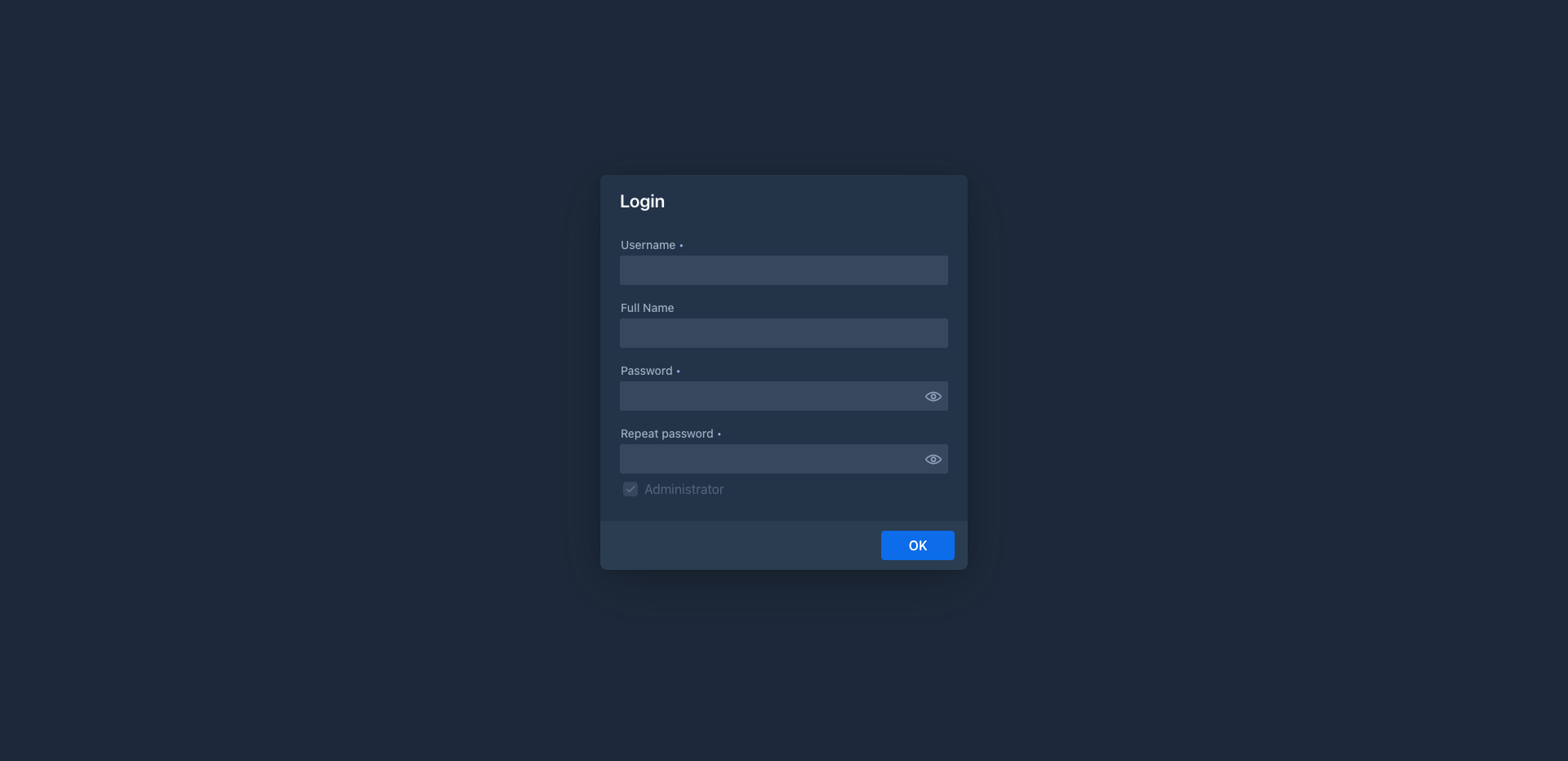
Fill in:
Administrator is checked and cannot be changed for the first account. Click OK. The page reloads and shows the login screen.
Remember the password. There is no password reset by e-mail. Other administrators can set a new password for a user in Admin → Users.
Log in
Log in with the new account. With Save login checked, the browser stays logged in for 30 days. This works only
over HTTPS or on 127.0.0.1 with the desktop app (see Server).
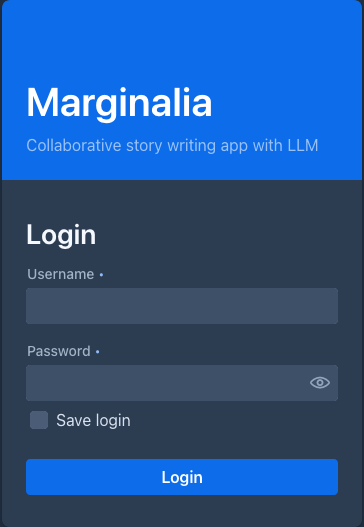
The version of Marginalia and the short id of the Git commit it was built from (for example Marginalia 1.5.0 (93ec118)) are
shown under the login form.
The workspace
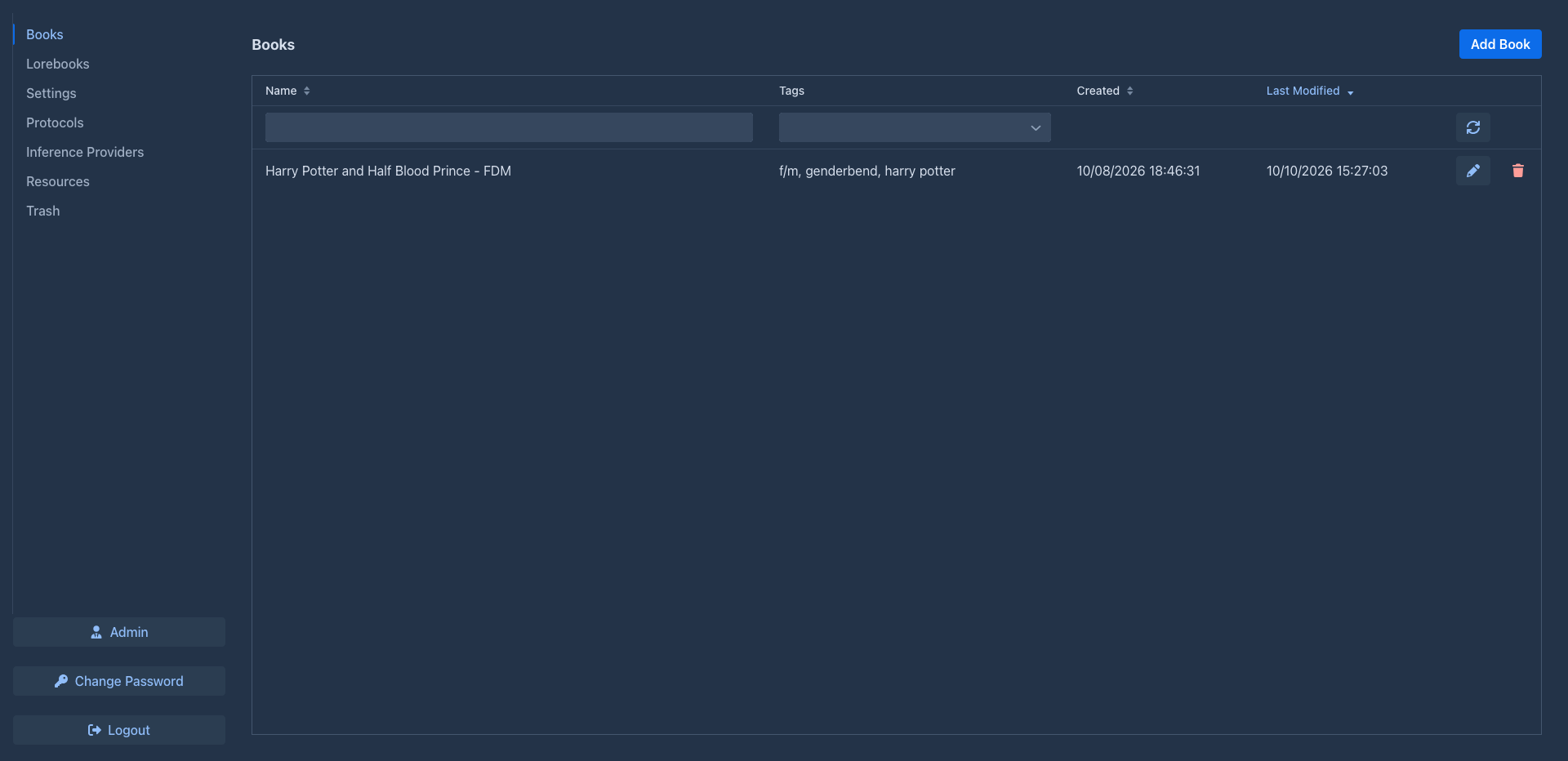
After logging in you see the workspace. The tabs on the left are:
At the bottom are Admin (administrators only), the Language selector, Change Password and Logout (see Administration for the Admin pages).
The same version text, in tiny letters, is in the bottom left corner of the page; hover over it for the full commit id and
the time of the commit and of the build. Say it when you report a problem. A build run from a development checkout
(mvn jetty:run) shows dev instead of the version.
Marginalia remembers where you were. The next time you log in (on any device) it opens the same tab, with the same filters of the book list, the same lorebook and open lorebook entries and, if you left a book open, that book on the same tab - with the scene, POV character, present characters and instructions you had typed for the next part. What no longer exists (a deleted book, lorebook or tag) is skipped; a book that was deleted is not opened.
Continue with the quick start.